Latest posts from Codename One.
Blog
Insights, release updates, tutorials, and engineering notes from the Codename One team.
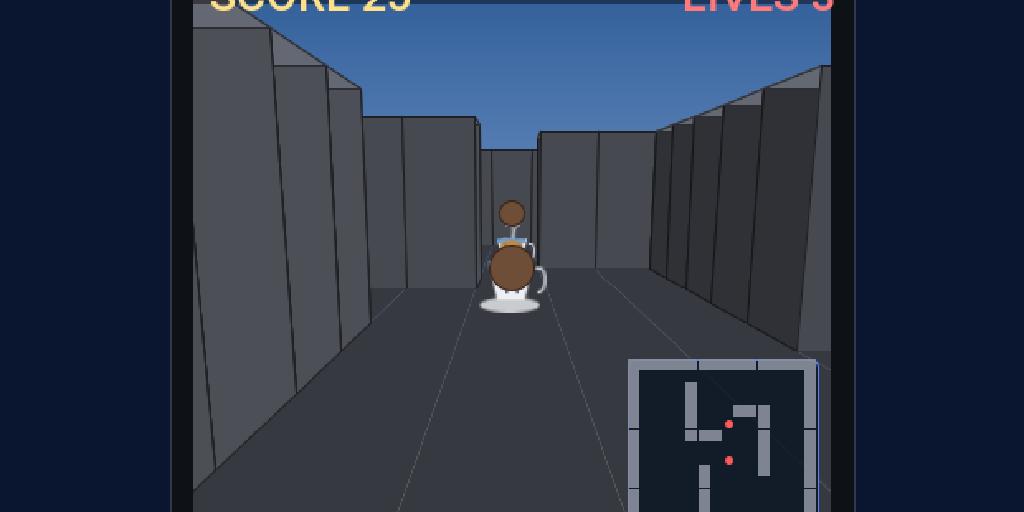
Game Builder Tutorial 3: Build a First-Person 3D Dungeon
The final tutorial takes the same data-driven pattern from Tutorial 1 and Tutorial 2 into 3D. Duke’s last adventure sends him underground: Crypt Walk, a first-person dungeon of stone corridors where the tea cups have invaded his coffee break. He hunts them through the maze and fires coffee beans to smash them, while the walls box him in. The headline difference from the 2D tutorial is what happens at runtime — instead of sprites in a Scene, each element becomes a GPU-rendered Model under a perspective camera with lighting. You author the same way; the runtime renders it in 3D. ...
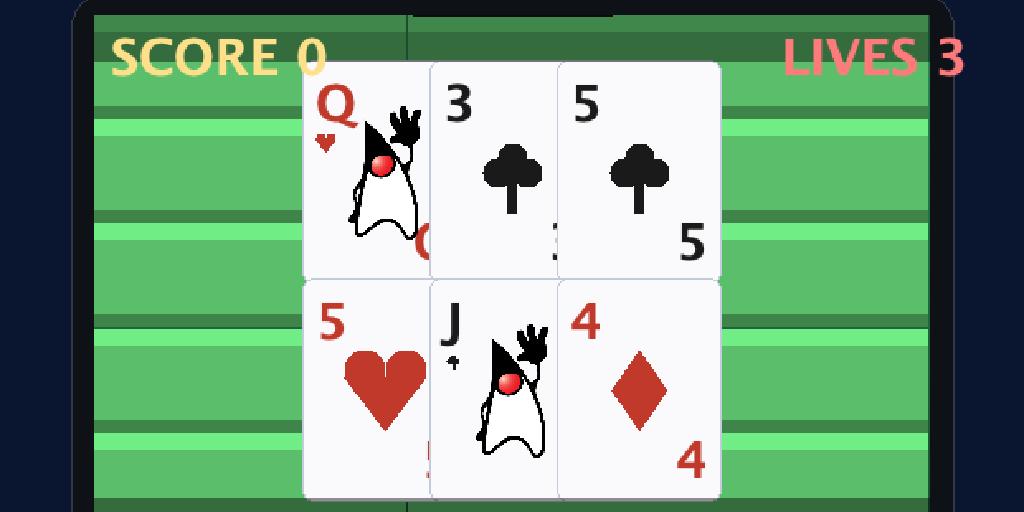
Game Builder Tutorial 2: Build a Blackjack Card Game (Duke Jack)
In Tutorial 1 Duke dashed for coffee with arcade physics. Now he sets the cup down for a calmer contest: Duke Jack, a game of blackjack. A card game has none of that arcade motion — cards sit on the felt and the rules decide who wins. This tutorial shows how the same Game Builder pattern (visual data + an onUpdate companion) handles a card game, where your code reads the cards and runs the table instead of simulating movement. We’ll build a felt table, deal a real hand, and wire up the complete blackjack rules: hit, stand, the dealer’s draw, and the win/lose decision. ...

Device Integrity And App Review: RASP, Attestation, And Asking For Ratings Right
Friday’s post on funding open source without the bait-and-switch covered the model behind this week’s releases. Here are two more features from it. Both ship this week. Both are small. Both live in core: no cn1lib to add, no native interface for you to write. They follow the same pattern you have seen across Codename One for years. There is a portable Java API, it calls through to native behavior where the platform supports it, and it falls back to something reasonable everywhere else. ...

Apple TV And Android TV: One Codebase, And CSS @media For The Living Room
This is the Tuesday follow-up to Friday’s funding open source without the bait and switch, and it picks up right where last week’s Apple Watch port left off. The watch work gave us the pattern for a new form factor: a shared API to detect it, resource overrides to theme it, and a builder path to ship it. PR #5261 applies that same pattern to the television. You can now detect a TV at runtime, restyle for it from CSS, ship a single Android APK that also runs on Google TV, and generate a separate Apple TV target from the same project. ...

A Privacy-First Analytics API: One Facade, A Provider SPI, And A Consent Gate
On Friday I wrote about funding open source without the bait and switch, and the analytics API in PR #5266 is the clearest example of the model in that post: an open seam anyone can plug into, with our paid implementation as one optional choice. This is the Monday follow-up that gets into how the API actually works. ...

Rich Text And Code Editing: RichTextArea And A Syntax-Highlighting CodeEditor
Friday’s post covered how we fund this work without the bait-and-switch; today is the engineering side of the same week, with two new visual editors. PR #5272 adds two components: RichTextArea, a WYSIWYG rich text editor, and CodeEditor, an IDE-style code editor with syntax highlighting. They are different on the surface and identical underneath, which is the part worth explaining first. ...

Maps You Control: A Pure-Vector MapView And Pluggable Native Providers
Yesterday’s funding post covered the model behind this week’s releases. Here is the first one. PR #5264 brings mapping back into core with two components: a MapView that draws an entire map through Graphics with no native peer, and a NativeMap that embeds the platform’s own map. Both sit behind one MapSurface API, so you can switch between them by changing a class name. ...

Funding Open Source Without The Bait And Switch: Analytics, Native Maps, TV And More
Years ago I wrote a piece called Open Source Bait and Switch. The short version: a project is released as open source while it has no business model, a community forms around it, and then the bill comes due. The project either rots into abandonware because nobody can afford to maintain it, or it sprouts a home-grown “source available” license that quietly takes back the freedoms it was given on. You have watched this happen. So have I. ...
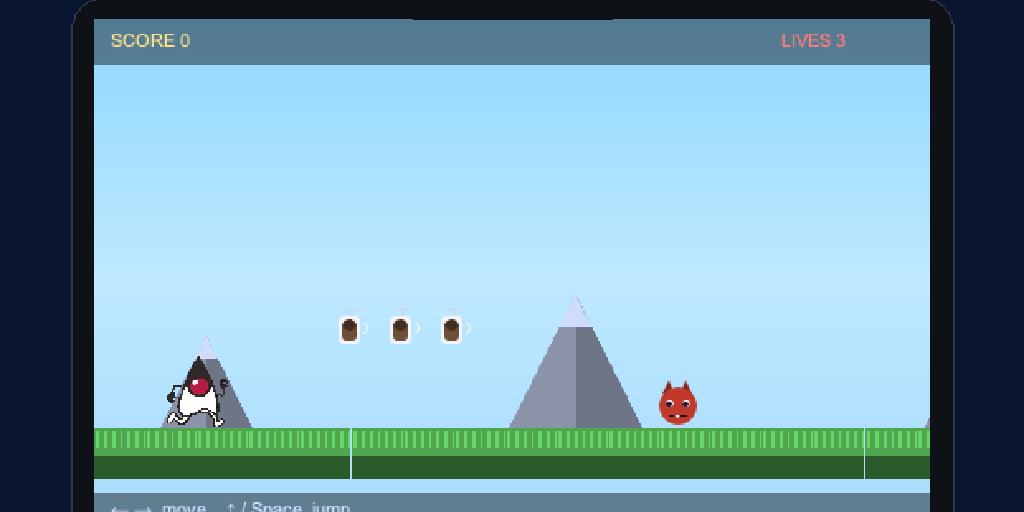
Game Builder Tutorial 1: Build a 2D Platformer — Duke's Coffee Run
Most game tutorials make you hand-place every sprite in code. The Game Builder flips that around: you draw the level visually, tag objects with the numbers your game needs (lives, value, speed), and the editor saves it as a small data file that the runtime plays. Your code shrinks to the part that’s actually yours — the rules. This is the first of three tutorials. We’ll build Duke’s Coffee Run: a side-scroller where Java’s mascot Duke dashes right across a grassy floor, collects coffee cups for points, dodges roaming exception monsters, and reaches a flag to win. Along the way we’ll do the part most tutorials quietly skip — bringing in real art, including slicing an animated sprite sheet for Duke. By the end you’ll have a running game and understand every moving part: the assets, the level file, the generated companion class, the built-in arcade behavior, and where your own logic goes. Tutorials 2 (board game) and 3 (3D dungeon) continue the story. ...

The Codename One Game Builder: Draw The Level, Code The Rules
Friday’s release post introduced the Game Builder and promised a tutorial series. This post is the orientation that sits in front of those tutorials: what the Game Builder is, how its pieces fit together, and why it exists. The hands-on builds start Thursday. Last week we shipped the com.codename1.gaming API: a game loop, sprites, scenes, pollable input, a low-latency sound pool, and Box2D physics, all running unchanged on every platform including iOS. That gave you the runtime. The missing half was authoring. Building a level purely in Java means dozens of new Sprite(...), setX, and setY calls you cannot see until you run them and must recompile to tweak. The Game Builder (PR #5253) replaces that with a visual editor and a plain-data level file. ...

Seamless Crash Protection That Symbolicates Native Crashes
Friday’s release post introduced the new crash-protection system. This post is the detailed version: why it exists, what it does on the device, and how to turn it on. The motivation is portability. Every port we add widens the set of platforms an app can break on, and testing across all of them by hand does not scale. The old crash-protection tool emailed you a stack trace; that worked, but it did not symbolicate native crashes, and a busy app could bury you in mail. The new com.codename1.crash package replaces it with something seamless, and the seam it removes is the work you used to do yourself. ...

Just Watch
Friday’s release post announced wearable support. This post covers both wearables in detail: how watchOS works, how Wear OS differs, and the small amount of code you write to reach either one. Why a watch API at all Apple sees watch programming as a completely separate discipline from phone or desktop programming. It is a different API with a different logic, and that makes some sense given the device. The consequence is that several UI metaphors we take for granted are impractical or absent: there is no text field in the form you expect, and no browser. So it is fair to ask what the point of a watch API even is. ...